Learn how to create your first simple Solidity smart contract using the popular Remix IDE. This tutorial covers the most basic contract that’s often introduced in Solidity learning resources.
The contract functionality is straightforward: set a number and retrieve it. Even this simple operation consumes gas fees, which we’ll verify in a local EVM test environment.
Creating Your First Smart Contract with Remix IDE
1. Access Remix IDE
Visit https://remix.ethereum.org/
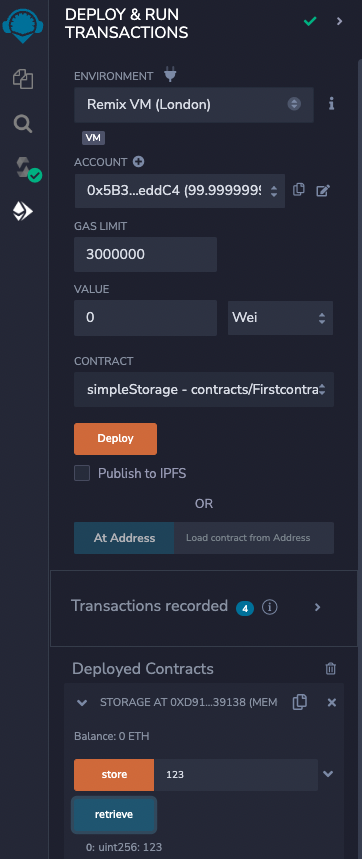
Ensure the Environment is set to [Remix VM (London)] for local testing.
2. Create Source File
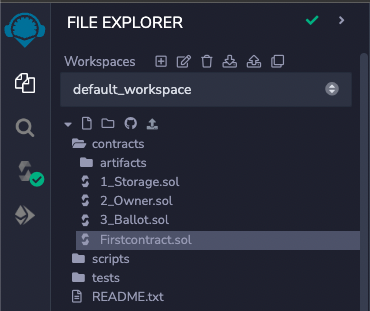
Create a new file called Firstcontract.sol
3. Write the Contract Code
The contract content is essentially the same as the existing 1_Storage.sol file.
We’ll create a store function to set values and a retrieve function to get values.
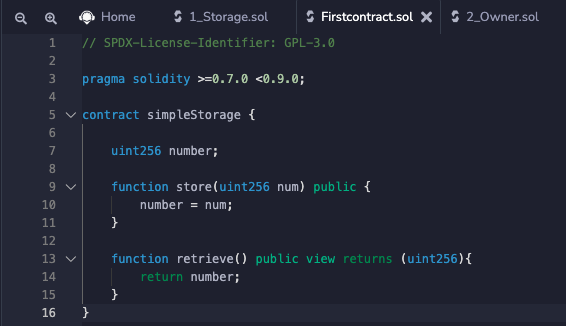
// SPDX-License-Identifier: GPL-3.0

pragma solidity >=0.7.0 <0.9.0;

contract simpleStorage {

    uint256 number;

    function store(uint256 num) public {
        number = num;
    }

    function retrieve() public view returns (uint256){
        return number;
    }
}
4. Compile the Contract
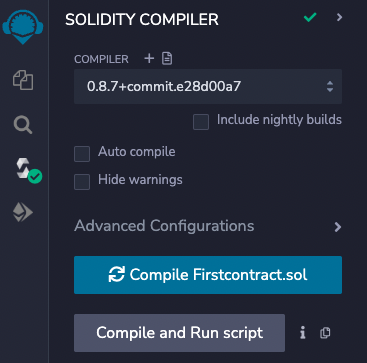
The contract should auto-compile, but click [Compile Firstcontract.sol] to ensure compilation.
5. Deploy and Test
Click Deploy to deploy the contract. Test by entering any number in the store function (set) and then calling retrieve to get that number (get).